

Making your website accessible is about more than ticking a box and moving on. Some reckon just adding alt text or a few screen reader tweaks will do the job and that’s it. But the real surprise is this: websites that meet the AA accessibility standard can reach up to 20 percent more Australians who live with a disability and offer smoother experiences for everyone, not just a few. Turns out, usability for all can mean better business for you. Curious how to get there?
Table of Contents
- Step 1: Assess Your Current Website Accessibility
- Step 2: Identify Compliance Standards And Requirements
- Step 3: Implement Necessary Accessibility Features
- Step 4: Test Your Website For Accessibility Issues
- Step 5: Train Your Team On Accessibility Best Practices
- Step 6: Monitor And Maintain Accessibility Compliance
Quick Summary
| Key Point | Explanation |
|---|---|
| 1. Conduct thorough accessibility evaluation | Use both automated tools and manual testing to assess current website accessibility barriers. |
| 2. Prioritise compliant accessibility standards | Focus on meeting WCAG AA standards to ensure meaningful inclusivity for diverse users. |
| 3. Implement key accessibility features | Integrate semantic HTML, alternative text, and keyboard navigation to create an inclusive experience. |
| 4. Include users with disabilities in testing | Engage individuals with various disabilities to gain practical insights beyond automated assessments. |
| 5. Foster ongoing accessibility training | Regularly educate your team on accessibility best practices to embed inclusivity in project development. |
Step 1: Assess Your Current Website Accessibility
Accessibility isn’t just a checkbox. It’s about creating digital spaces where every user can navigate, understand, and interact effectively. Your first strategic move involves conducting a comprehensive evaluation of your website’s current accessibility landscape.
Navigating the accessibility landscape requires a methodical approach. Start by gathering critical insights through both automated and manual assessment techniques. Professional accessibility evaluation tools like WAVE or aXe provide automated scanning capabilities that quickly highlight potential barriers.
Manual assessment involves a more nuanced exploration. You’ll want to simulate different user experiences by testing website navigation using screen readers, keyboard-only interactions, and colour contrast settings. This means systematically moving through your website’s pages, verifying that menu structures, form fields, image alternatives, and interactive elements function seamlessly for users with diverse abilities.
Key verification points during your assessment should include:
- Screen reader compatibility
- Keyboard navigation functionality
- Colour contrast and readability
- Alternative text for images
- Form input label clarity
Document every discovered barrier meticulously. Each identified issue represents an opportunity to enhance user experience. Prioritise problems based on their potential impact on user interaction, focusing first on critical navigation and comprehension obstacles.
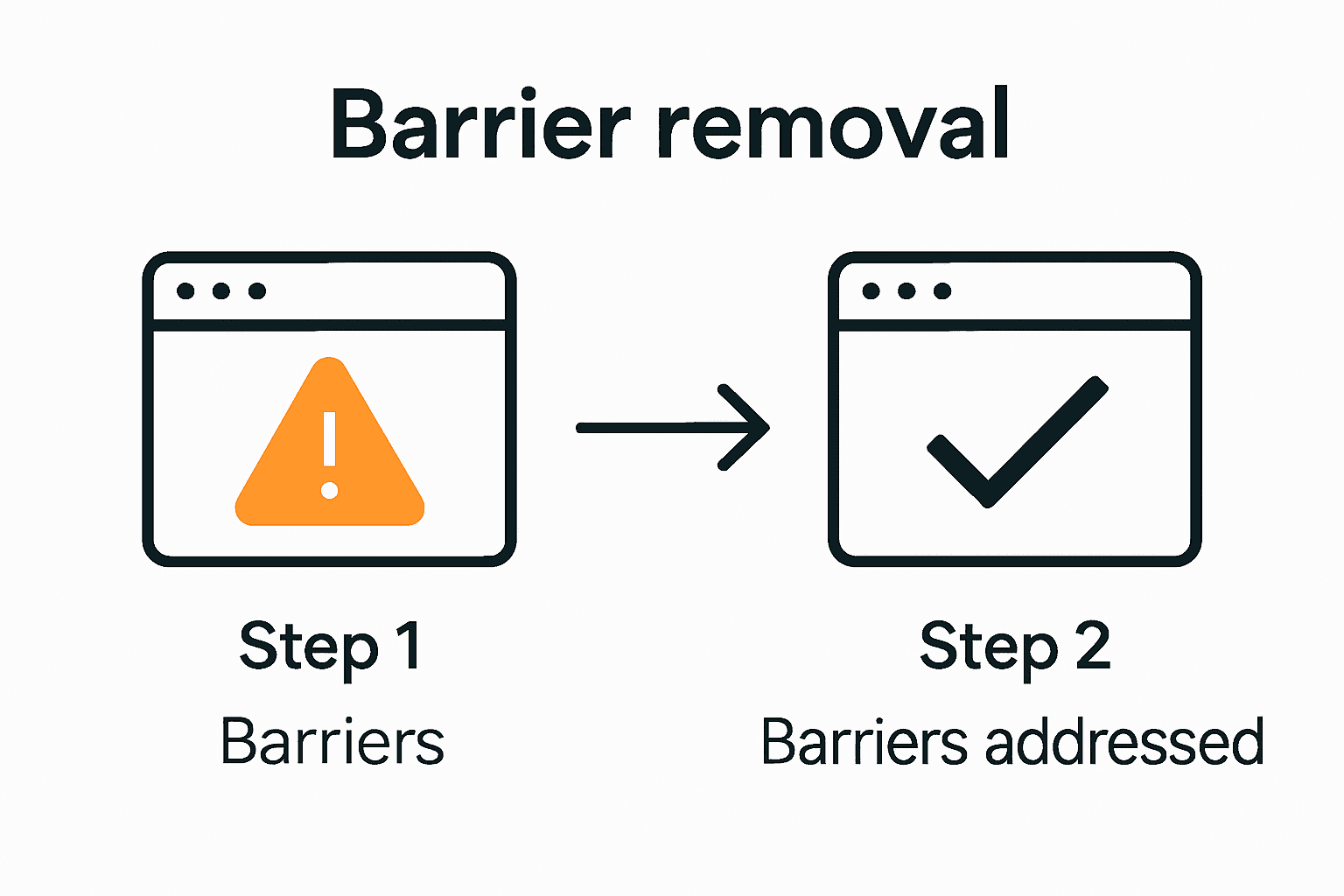
Consider engaging individuals with disabilities during your assessment for authentic, lived-experience insights. Their direct feedback can reveal nuanced challenges that automated tools might miss, providing invaluable perspectives on your website’s true accessibility.
Successful completion of this step means having a comprehensive report detailing your website’s current accessibility status, potential barriers, and a strategic roadmap for improvements. Remember, accessibility is an ongoing journey of continuous refinement and empathetic design.
To help you plan your accessibility journey, the table below summarises the six main steps covered in this guide, along with their key outcomes and focus areas.
| Step | Key Outcome | Main Focus |
|---|---|---|
| Assess Current Accessibility | Identification of barriers | Automated and manual testing of website features |
| Identify Compliance Standards | Clear compliance roadmap | Align with WCAG AA and legal requirements |
| Implement Accessibility Features | Inclusive website structure | Semantic HTML, alternative text, keyboard navigation |
| Test for Accessibility Issues | Actionable improvement list | Automated and manual testing, real user feedback |
| Train Your Team | Organisation-wide inclusivity mindset | Structured training, hands-on empathy exercises |
| Monitor and Maintain Compliance | Ongoing improvement and compliance | Regular audits, real-time monitoring, user feedback |
Step 2: Identify Compliance Standards and Requirements
Navigating the complex world of web accessibility compliance requires a strategic and informed approach. Your goal is to understand the specific standards that govern digital inclusivity, ensuring your website meets legal and ethical requirements for users with diverse abilities.
Web Content Accessibility Guidelines (WCAG) represent the international benchmark for accessibility standards. These comprehensive guidelines provide a robust framework for creating digital experiences that are perceivable, operable, understandable, and robust for all users. According to international web accessibility standards, there are three primary compliance levels: A (minimum), AA (recommended), and AAA (most comprehensive).
For most Australian businesses, the AA level represents the sweet spot of accessibility compliance. This standard requires meaningful accommodations that make your website genuinely usable for people with a wide range of disabilities, without imposing overly restrictive design constraints.
Your compliance research should encompass multiple regulatory perspectives. This means examining not just technical standards, but also understanding legal requirements specific to your industry and region. Some critical areas to investigate include disability discrimination legislation, digital service accessibility mandates, and sector-specific guidelines.
Key compliance considerations include:
- Screen reader compatibility
- Keyboard navigation functionality
- Colour contrast requirements
- Alternative text for multimedia
- Clear, predictable page structures
To effectively map your compliance strategy, create a detailed checklist that cross-references WCAG guidelines with your specific website features. This living document will serve as both a roadmap for improvements and a verification tool to track your accessibility progress.
Successful completion of this step means developing a comprehensive understanding of the accessibility standards relevant to your digital platform. You’ll have a clear, actionable framework that transforms compliance from a technical requirement into a meaningful commitment to inclusive digital design.
Step 3: Implement Necessary Accessibility Features
Transforming your website into an inclusive digital environment requires strategic and comprehensive implementation of accessibility features. This step moves beyond theoretical understanding and translates compliance guidelines into practical website modifications.
Begin by addressing fundamental structural elements that form the backbone of an accessible website. Website solutions for disability emphasize the critical importance of semantic HTML structure. This means using appropriate heading tags, creating logical content hierarchies, and ensuring clear, descriptive link texts that provide meaningful context for screen reader users.
According to web accessibility guidelines, alternative text representation is paramount. Every image, graphic, and visual element must include descriptive alternative text that conveys its purpose and content. This allows users with visual impairments to understand the information through screen readers, transforming visual content into comprehensible narrative descriptions.
Keyboard navigation represents another crucial implementation area. Your website should be fully navigable without requiring mouse interactions. This involves creating visible focus states, ensuring all interactive elements are reachable and operable through keyboard commands, and designing intuitive tab order that follows a logical content progression.
Key implementation priorities include:
- Semantic HTML structure
- Comprehensive alternative text
- Full keyboard navigation
- Sufficient colour contrast
- Clear form labels and instructions
Color contrast requires careful attention. Text and interactive elements must provide sufficient contrast against background colors to ensure readability for users with visual impairments. Professional accessibility tools can help you measure and adjust color combinations to meet recommended contrast ratios.
Consider integrating an accessibility interface that allows users to customize their browsing experience. These tools can provide options for font resizing, color scheme adjustments, and screen reader compatibility, empowering users to adapt the website to their specific needs.
Successful implementation means creating a website that is not just compliant, but genuinely welcoming and usable for individuals with diverse abilities. Your accessibility features should feel seamless and intuitive, enhancing rather than disrupting the user experience.

Step 4: Test Your Website for Accessibility Issues
Testing transforms accessibility from theoretical guidelines into real-world user experience. Your goal is to rigorously evaluate how well your website performs for users with diverse abilities, uncovering potential barriers that might have slipped through initial implementation.
Strategic website auditing requires a multifaceted approach that combines automated testing tools and comprehensive manual evaluation. Begin with professional accessibility scanning tools like WAVE, aXe, or Lighthouse, which can quickly identify technical compliance issues such as missing alternative text, inadequate color contrast, and keyboard navigation problems.
According to web accessibility testing standards, automated tools provide an excellent starting point but cannot capture the full user experience. Manual testing becomes crucial, which means systematically navigating your website using only keyboard controls, screen readers, and simulated visual impairments.
Engage individuals with different disabilities as expert testers. Their lived experiences will reveal nuanced challenges that automated tools might miss. This could involve recruiting volunteers or working with accessibility consulting groups who can provide detailed, real-world insights into your website’s usability.
Key testing methodologies include:
- Screen reader compatibility checks
- Keyboard-only navigation assessment
- Color contrast verification
- Form and interactive element testing
- Multimedia alternative text validation
Document every discovered issue meticulously. Create a comprehensive report that not only lists problems but also provides clear, actionable recommendations for resolution. Prioritise issues based on their potential impact on user experience and severity of accessibility barriers.
Remember that accessibility testing is not a one-time event but an ongoing process. Technology evolves, web standards change, and your website will continue to develop. Establish a regular testing schedule, perhaps quarterly or with each significant website update, to maintain and improve digital inclusivity.
Successful completion means having a detailed accessibility assessment report, a prioritised list of improvements, and a clear understanding of your website’s current accessibility performance. Your commitment to thorough testing demonstrates a genuine dedication to creating an inclusive digital environment.
Step 5: Train Your Team on Accessibility Best Practices
Building a culture of digital inclusivity requires more than technical implementations. Your team must understand accessibility as a fundamental philosophy, not just a compliance checkbox. Comprehensive training transforms isolated technical requirements into a holistic approach to inclusive design.
Continuous learning strategies become crucial in maintaining an accessibility-focused mindset. Begin by creating a structured training program that covers both theoretical understanding and practical implementation. This means developing workshops that blend technical guidance with empathy-driven design principles.
According to web accessibility training methodologies, effective accessibility education should engage team members through interactive experiences. Incorporate hands-on exercises that simulate different disability experiences, such as navigating websites using screen readers or attempting tasks with deliberate visual or motor constraints.
Your training curriculum should address multiple skill levels and roles within the organisation. Developers need deep technical understanding of semantic HTML and ARIA attributes, while designers must focus on inclusive color schemes and layout principles. Content creators should learn about writing alternative text and creating clear, descriptive link texts.
Key training focus areas include:
- Accessibility guidelines interpretation
- Screen reader simulation techniques
- Inclusive design principles
- Technical implementation strategies
- Empathy-building disability awareness exercises
Establish a continuous learning environment where accessibility knowledge is regularly updated. This might involve monthly lunch-and-learn sessions, quarterly external expert workshops, or creating an internal knowledge base that tracks evolving accessibility standards and best practices.
Consider implementing a buddy system where team members with strong accessibility skills mentor others. This peer-learning approach helps distribute knowledge organically and creates a supportive learning culture that goes beyond traditional training methods.
Successful team training means your organisation views accessibility not as an afterthought, but as an integral part of quality digital product development. Your team will approach every project with an inclusive mindset, proactively designing experiences that welcome users of all abilities.
Step 6: Monitor and Maintain Accessibility Compliance
Accessibility is not a destination but an ongoing journey of continuous improvement. Proactive monitoring ensures your digital platforms remain inclusive and aligned with evolving standards, preventing potential accessibility regressions that could emerge during website updates or content changes.
Developing a comprehensive accessibility statement represents a critical first step in establishing a structured monitoring approach. This living document should outline your commitment to digital inclusion, detail your current accessibility efforts, and provide clear channels for users to report potential barriers they encounter.
According to digital accessibility maintenance guidelines, regular automated and manual testing cycles are essential. Implement a systematic review process that includes quarterly comprehensive accessibility audits. These assessments should leverage both automated scanning tools and manual user testing, ensuring a holistic evaluation of your digital platforms.
Establish automated monitoring mechanisms that can run continuous background checks. Many modern web development tools and browser extensions can integrate accessibility scanning directly into your development workflow, providing real-time feedback during content updates and site modifications.
Key monitoring strategies include:
- Quarterly comprehensive accessibility audits
- Automated scanning during development
- User feedback collection mechanisms
- Regular team training updates
- Version control accessibility compliance checks
Create a dedicated accessibility feedback channel where users can report issues they encounter. This not only helps you identify potential barriers quickly but also demonstrates your genuine commitment to inclusivity. Consider implementing an easily accessible contact form or dedicated email address specifically for accessibility concerns.
Develop a structured issue resolution protocol that defines clear timelines and responsibilities for addressing accessibility challenges. When an issue is reported, have a predefined process for investigating, prioritising, and resolving potential barriers. This systematic approach transforms user feedback into continuous improvement opportunities.
Successful accessibility maintenance means creating a dynamic, responsive system that views digital inclusivity as an ongoing commitment. Your approach should be flexible, proactive, and centred on continuously enhancing user experience for individuals with diverse abilities.
Below is a checklist table you can use to verify if your site meets the essential accessibility requirements cited throughout the article. Tick each item off during your evaluation and ongoing maintenance.
| Accessibility Requirement | Verification Method | Meets Standard? |
|---|---|---|
| Screen reader compatibility | Manual assistive tech testing | |
| Keyboard navigation functionality | Tab navigation check | |
| Colour contrast and readability | Contrast assessment tools | |
| Alternative text for images | Visual and screen reader review | |
| Form input label clarity | Review labels with assistive tech | |
| Clear, predictable page structures | Manual walkthrough | |
| User feedback collection mechanism | Feedback form or contact option |
Turn Accessibility Challenges into Lasting Digital Success
You have taken the first steps to assess, implement and maintain accessibility, but closing the gap between intent and real digital inclusion can feel overwhelming. Common pain points like incomplete compliance, confusing user journeys and missed legal obligations are not just risks but missed opportunities to connect with all your customers. At Resen, we specialise in transforming these challenges into delivered results, using a human-centric approach that ensures your digital presence is truly for everyone.
Ready to unlock the full benefits of accessibility before 2025? Let our local team of experts help you build on the strategies from this essential guide. We offer a free digital audit and proven solutions in website and SEO for disability to move your business ahead with confidence. Visit Resen now and make genuine inclusivity your competitive advantage.
Frequently Asked Questions
How can I assess my website’s current accessibility status effectively?
Start by conducting a comprehensive evaluation using both automated tools and manual testing techniques. Gather insights by testing navigation with screen readers and keyboard-only interactions to identify barriers within 30 days.
What are the key compliance standards I should follow for web accessibility in 2025?
Focus on understanding the Web Content Accessibility Guidelines (WCAG) level AA, as it provides essential requirements for inclusive digital experiences. Create a checklist to ensure your website features align with these standards and review it regularly as part of your development process.
What essential accessibility features should I implement on my website?
Prioritize implementing a semantic HTML structure, comprehensive alternative text for images, and full keyboard navigation capabilities. Address these structural elements immediately to enhance overall user accessibility and usability by 20%.
How often should I test my website for accessibility issues?
Conduct testing at least quarterly or with every significant update to stay compliant and inclusive. Combine automated scanning with manual user testing to uncover any new barriers that may arise during website modifications.
What type of training should I provide my team on accessibility best practices?
Develop a structured training program that includes both theoretical knowledge and practical exercises related to accessibility. Engage your team in hands-on simulations of using assistive technology to build empathy and understanding of diverse user experiences.
How can I maintain ongoing accessibility compliance for my website?
Establish a comprehensive monitoring strategy that includes regular audits, user feedback collection, and systematic reviews. Implement automated monitoring mechanisms to provide real-time insights and address any accessibility issues promptly.
